


Are you ready to take control of your finances with a tool built just for you? Creating web-based accounting software might sound complicated, but it doesn’t have to be.
Imagine having a system that tracks your income, expenses, and reports—all accessible anytime, anywhere. In this guide, you’ll discover simple steps to build your own web accounting software that fits your unique needs. Keep reading, and you’ll learn how to turn a complex idea into a powerful, easy-to-use tool that makes managing money stress-free.
Your journey to smarter accounting starts here.

Credit: radixweb.com
Planning Your Software
Planning is the first step in creating web-based accounting software. It sets a clear path for development and ensures the final product meets user needs. Without proper planning, the project can face delays and extra costs.
Start by understanding who will use the software and what problems it should solve. Next, decide on the main features that make the software helpful and easy to use. Finally, pick the right technology to build a fast and secure system.
Identifying User Needs
Know your users well. Small businesses, accountants, and freelancers have different needs. Find out what tasks they do daily and what problems they face with current tools. Ask questions, conduct surveys, or interview potential users. This helps create software that truly helps them manage finances easily.
Defining Core Features
Focus on essential functions first. These may include invoicing, expense tracking, and financial reporting. Keep the interface simple and user-friendly. Avoid adding too many features at the start. A clear, focused tool keeps users happy and reduces development time.
Choosing The Right Technology Stack
Select technologies that match your project size and goals. Use reliable programming languages and frameworks that support web development. Consider security, speed, and scalability. Popular choices include JavaScript, Python, and cloud services. The right stack makes your software stable and easy to maintain.
Designing The User Interface
Designing the user interface is a key step in creating web-based accounting software. The interface must be clear and easy to use. Users should find it simple to enter data and view reports. Good design saves time and reduces errors. It also helps users trust the software. Start with planning the layout and flow of the interface. Focus on simplicity and clarity throughout the design process.
Creating Wireframes And Mockups
Wireframes show the basic layout of the interface. Use them to plan where each element goes. Mockups add colors and styles to wireframes. They give a clear picture of the final design. Both help spot problems early and guide development. Keep wireframes simple. Avoid too many details. Use tools like Figma or Sketch for easy changes.
Ensuring User-friendly Navigation
Navigation must be intuitive and consistent. Users should find menus and buttons easily. Group related features together. Use clear labels for all options. Avoid deep menu layers. Keep the number of clicks low. Add a search bar for quick access. Test navigation with real users to find issues.
Responsive Design Principles
Responsive design adapts the interface to different screen sizes. It works well on desktops, tablets, and phones. Use flexible grids and images. Make buttons and links easy to tap on small screens. Check that text is readable without zooming. Test on multiple devices often. Responsive design improves user experience and accessibility.
Developing The Backend
The backend is the heart of any web-based accounting software. It handles data processing, storage, and the business rules. Building a strong backend ensures the software runs smoothly and securely. This part focuses on setting up the server, designing the database, and coding the core functions.
Setting Up The Server Environment
Start by choosing a reliable server platform. Popular options include Linux with Apache or Nginx. Install necessary software like PHP, Node.js, or Python based on your coding language. Configure the server to handle requests quickly and safely. Use HTTPS to protect data during transfer. Set up firewalls and security tools to block unauthorized access. Monitor server health regularly to avoid downtime.
Database Design And Management
Design a database that stores all accounting data clearly and securely. Use relational databases like MySQL or PostgreSQL for better structure. Create tables for users, transactions, invoices, and reports. Define relationships between tables to keep data consistent. Apply indexing to speed up queries. Implement regular backups to prevent data loss. Use encryption to protect sensitive information.
Implementing Business Logic
Business logic controls how the software processes accounting tasks. Write code that manages calculations, such as tax and totals. Ensure the logic follows accounting rules and standards. Handle user roles and permissions to control access to features. Validate input data to avoid errors and fraud. Create functions for generating reports and summaries. Test the logic carefully to ensure accuracy and reliability.
Building The Frontend
Building the frontend of web-based accounting software is crucial. It shapes the user experience and controls how users interact with data. A clean, responsive design helps users work faster and avoid errors. The frontend must communicate well with the backend to display real-time data. It should also handle user actions smoothly to keep tasks simple.
Integrating With Backend Apis
The frontend relies on backend APIs for data and functions. Use REST or GraphQL APIs to fetch and send data securely. Connect forms to APIs to submit invoices and update records. Ensure error handling is clear for failed requests. Use JSON format for easy data exchange. This keeps the frontend synced with the backend database.
Implementing Interactive Elements
Interactive elements make the software user-friendly. Add buttons for adding, editing, and deleting entries. Use dropdowns and date pickers for input accuracy. Implement modals for quick views without page reloads. Highlight important data with colors or icons. Small animations can guide users through tasks smoothly.
Optimizing Performance
Speed is vital in accounting software. Minimize file sizes by compressing images and scripts. Load only necessary data to reduce wait times. Use caching to store frequent data temporarily. Optimize code to avoid slow rendering. Test on different devices to ensure fast load times everywhere.
Security Measures
Security is crucial for web-based accounting software. It protects sensitive financial data from theft and loss. Strong security builds trust with users. Implementing the right measures keeps data safe and systems reliable.
Data Encryption Techniques
Data encryption converts information into code. This code is unreadable without the key. Encryption protects data during storage and transmission. Use SSL/TLS protocols to secure data sent over the internet. Encrypt sensitive fields in databases to guard against breaches. AES (Advanced Encryption Standard) is a popular choice for encryption. Regularly update encryption methods to stay ahead of threats.
User Authentication And Authorization
User authentication confirms identity before access. Passwords are common but need strength and complexity. Multi-factor authentication adds extra protection layers. Authorization controls what users can do after login. Assign roles with specific permissions. This limits access to sensitive features and data. Monitor login attempts to detect suspicious activity quickly.
Regular Security Audits
Security audits check for weaknesses in the system. Conduct audits frequently to catch new vulnerabilities. Use automated tools and manual reviews. Address all findings promptly to improve security. Keep software and libraries up to date. Training staff on security best practices also helps prevent risks.
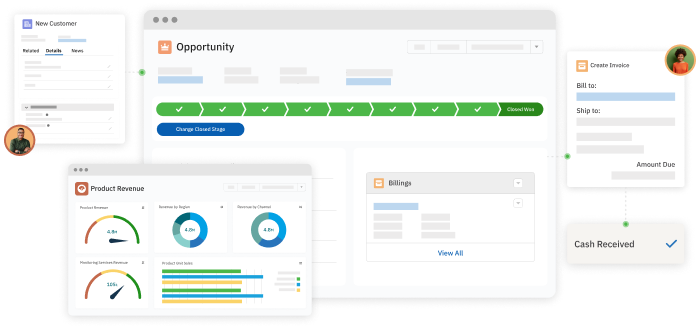
Credit: www.accountingseed.com
Testing And Debugging
Testing and debugging are key steps in creating web-based accounting software. They ensure the software works correctly and meets user needs. Testing finds problems early. Debugging fixes those problems. This process improves software quality and user trust.
Good testing covers all parts of the software. It checks if calculations are right and if data saves properly. Debugging helps remove errors that can cause crashes or wrong reports. This section explains important testing and debugging methods.
Unit And Integration Testing
Unit testing checks small parts of the software. Each function or module is tested alone. It confirms each part works as expected. Integration testing checks how these parts work together. It finds problems in data flow between modules. Both tests catch errors early and save time later.
User Acceptance Testing
User acceptance testing (UAT) lets real users try the software. They check if it matches their needs. UAT tests the software in real work scenarios. Users report issues or suggest improvements. This step ensures the software is ready for daily use.
Bug Tracking And Fixing
Bug tracking records all found errors. Developers use special tools to manage bugs. Each bug is assigned a priority and status. Fixing bugs involves correcting code and retesting. Clear tracking helps keep the project organized and efficient.
Deployment And Maintenance
Deployment and maintenance are key steps in building web-based accounting software. Deployment means making the software available online for users. Maintenance means keeping the software running smoothly and fixing any problems that appear. Both tasks require careful planning and ongoing effort. Good deployment and maintenance ensure your software works well and stays secure over time.
Choosing A Hosting Service
Pick a hosting service that matches your software needs. Consider speed, uptime, and security features. Cloud services like AWS or Azure offer flexible options. Check if the host supports your software’s technology stack. Also, look for good customer support. Reliable hosting keeps your software accessible and fast for users.
Continuous Integration And Delivery
Use continuous integration (CI) to test code frequently. This helps catch errors early. Continuous delivery (CD) automates software releases. It makes updates faster and safer. Set up a CI/CD pipeline to build, test, and deploy automatically. This process saves time and reduces bugs in your software.
Handling Updates And Support
Plan regular updates to improve features and fix bugs. Inform users about new versions and changes. Provide easy ways for users to report issues. Respond quickly to support requests to keep users happy. Good support and updates keep your accounting software reliable and user-friendly.
Scaling Your Software
Scaling your web-based accounting software is essential for smooth performance as your user base grows. Proper scaling keeps the software fast and reliable. It also ensures users have a good experience without delays or errors.
Understanding key strategies helps you prepare your software for more traffic and data. Focus on balancing loads, expanding databases, and tracking performance. These steps maintain stability and prevent crashes during high use.
Load Balancing Strategies
Load balancing spreads user requests across multiple servers. This prevents any single server from becoming overwhelmed. Use techniques like round-robin, least connections, or IP hash. These methods distribute traffic evenly and improve response times.
Load balancers also detect server failures. They redirect traffic to healthy servers, keeping the system available. Consider cloud-based or hardware load balancers based on your needs.
Database Scaling Options
Databases often become bottlenecks as data grows. Scaling options include vertical and horizontal scaling. Vertical scaling adds more power to a single database server. Horizontal scaling splits data across multiple servers.
Sharding divides large databases into smaller parts. Replication copies data to multiple servers for better read performance. Choose the option that fits your data size and user activity.
Monitoring And Analytics
Monitoring keeps track of system health and usage patterns. Use tools to watch server load, database queries, and response times. Analytics help spot bottlenecks before they cause problems.
Set alerts for unusual activity or errors. Regular reports guide improvements and scaling decisions. Continuous monitoring supports a reliable and scalable accounting system.
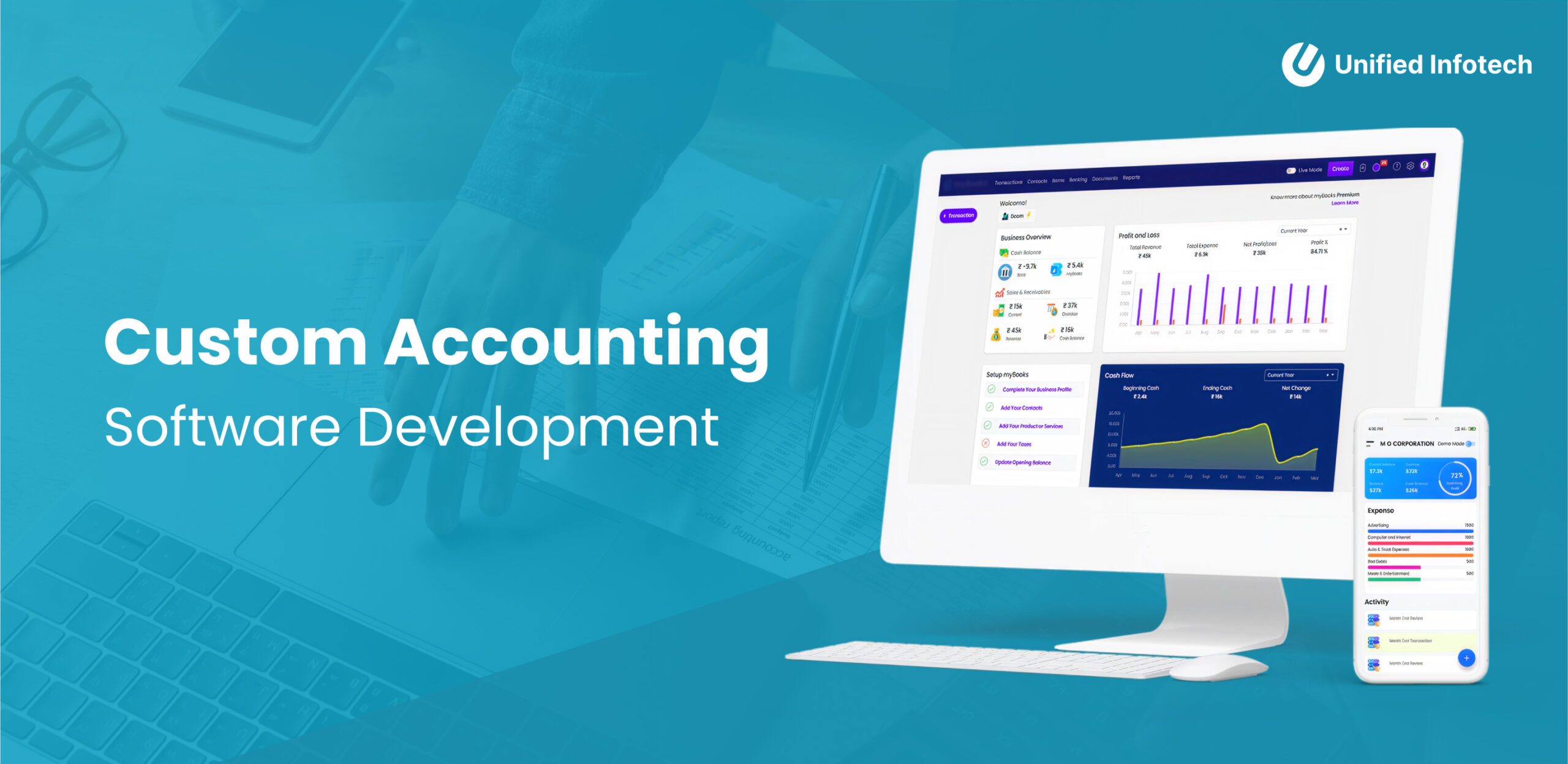
Credit: www.unifiedinfotech.net
Frequently Asked Questions
What Are The Key Features Of Web-based Accounting Software?
Web-based accounting software includes invoicing, expense tracking, financial reporting, and bank reconciliation. It offers real-time data access and multi-user collaboration. These features help streamline accounting tasks efficiently and securely over the internet.
How To Ensure Data Security In Web Accounting Software?
Use encryption, secure login, and regular backups to protect data. Implement role-based access controls and update software frequently. These steps safeguard sensitive financial information from unauthorized access and cyber threats.
Which Programming Languages Are Best For Web Accounting Software?
JavaScript, Python, and PHP are popular choices for web accounting software. They support backend and frontend development, enabling dynamic and responsive interfaces. These languages also integrate well with databases and third-party APIs.
How To Integrate Payment Gateways In Web Accounting Software?
Select a reliable payment gateway provider and use their API for integration. Ensure secure transaction handling and compliance with payment standards. This enables seamless invoice payments directly within the software.
Conclusion
Creating web-based accounting software takes clear steps and careful planning. Start with understanding user needs and key features. Choose the right tools and secure your platform well. Test your software often to fix issues early. Keep the design simple and easy to use.
This approach helps build reliable software that users trust. Follow these tips to create software that works smoothly online.





