


Are you tired of juggling numbers and receipts without a clear system? Managing your finances doesn’t have to be a headache or drain your budget.
Imagine having a simple tool that keeps your accounts organized, tracks expenses, and even helps you prepare for tax time—all without costing you a dime. You’ll discover the best free accounting apps designed to make your life easier. Ready to take control of your finances and save time?
Keep reading to find the perfect app that fits your needs.
Benefits Of Free Accounting Apps
Free accounting apps offer many benefits for small business owners. They help manage finances without extra costs. These apps simplify bookkeeping and save time. Business owners can focus more on growth and less on paperwork.
These tools are designed to be user-friendly. They work on different devices and connect with other important apps. This makes managing money easier and more efficient for everyone.
Cost Savings For Small Businesses
Free accounting apps reduce expenses for startups and small businesses. No monthly fees mean more money stays in the company. This is helpful for businesses with tight budgets. Small businesses can still access essential accounting features without paying.
Ease Of Use And Accessibility
Most free accounting apps have simple designs. Users do not need special skills to operate them. These apps work on phones, tablets, and computers. This allows business owners to track finances anytime, anywhere. Easy access helps keep accounts updated and accurate.
Integration With Other Tools
Many free accounting apps link with other software. They connect with payment processors, banks, and invoicing tools. This creates a smooth workflow without manual entry. Integrated apps save time and reduce errors. Business owners get a clearer financial picture quickly.
Top Free Accounting Apps
Free accounting apps help small businesses and freelancers manage money easily. They track expenses, send invoices, and create reports without extra cost. These tools save time and reduce errors in bookkeeping.
Here are some top free accounting apps that offer great features for your business needs. Each app has unique tools to help you stay organized and keep your finances clear.
Wave Accounting
Wave Accounting is a popular free app for small businesses. It offers invoicing, expense tracking, and receipt scanning. The app also helps with bank connections and financial reports. It works well for simple accounting tasks.
Zipbooks
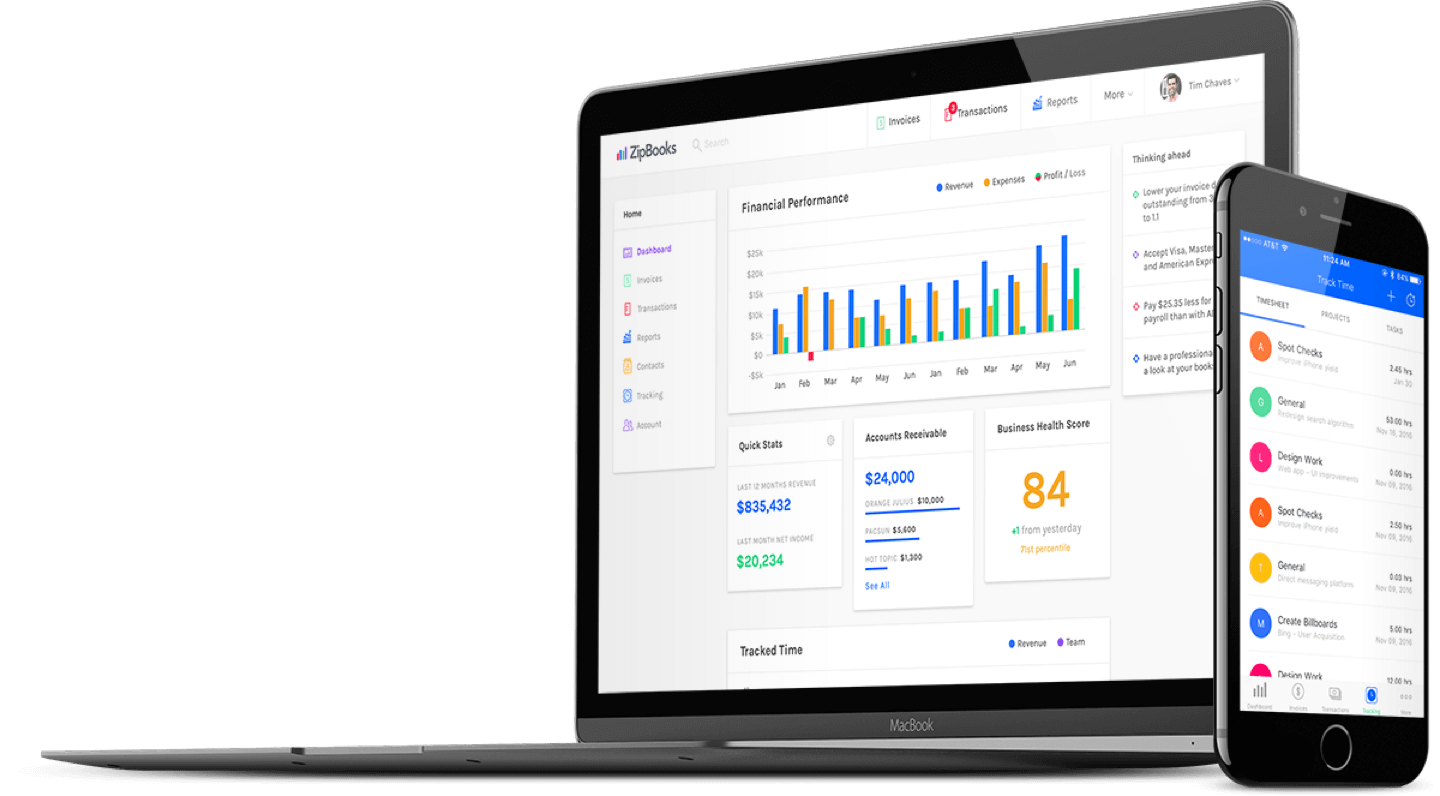
ZipBooks provides easy-to-use accounting features at no cost. It supports invoicing, expense tracking, and basic reporting. The app has a clean interface that beginners find simple. It also offers customer management tools.
Slickpie
SlickPie is a free accounting tool designed for small businesses. It includes automatic data entry and online invoicing. The app can manage multiple currencies and tax settings. It simplifies bookkeeping and saves time.
Gnucash
GnuCash is a free, open-source accounting program. It works on desktop computers and supports double-entry accounting. The software handles invoices, bank accounts, and budgets. It suits users who prefer offline accounting solutions.
Manager
Manager offers a free desktop version with strong accounting features. It includes invoicing, payroll, and inventory tracking. The app is easy to install and use. It fits small businesses needing detailed financial control.
Key Features To Look For
Choosing the right free accounting app can save time and reduce errors. The best apps offer tools that help manage money clearly and simply. Focus on features that make daily tasks easier and keep your finances organized.
Invoicing And Billing
Look for apps that let you create and send invoices quickly. Customizable templates help keep your brand consistent. Automatic reminders for unpaid bills reduce delays in payment.
Expense Tracking
Good apps track expenses automatically from bank accounts or cards. Categorizing expenses helps understand where money goes. Simple entry options save time and improve accuracy.
Financial Reporting
Reports show your financial health clearly. Choose apps that generate profit and loss, balance sheets, and cash flow reports. Easy-to-read reports help make better money decisions.
Multi-user Access
Multiple users can work together on the same account. This feature suits small teams or business owners and accountants. Set different permission levels for security and control.
Mobile Compatibility
Apps that work on phones and tablets offer flexibility. Manage finances anywhere, anytime. A clean mobile interface keeps tasks quick and simple.
Credit: yourlegal.org
Tips For Choosing The Right App
Choosing the right free accounting app can save time and reduce errors. The right app fits your business needs and makes tasks easier. Focus on key areas before making a choice. This helps avoid future problems and keeps your finances on track.
Assessing Business Needs
Start by listing your business tasks. Do you need invoicing, expense tracking, or payroll? Check if the app supports these features. Consider the size of your business and the number of users. Choose an app that grows with your business needs.
Evaluating User Interface
Pick an app that is easy to use. Clear menus and simple layouts reduce mistakes. Test the app’s navigation before deciding. An intuitive design saves time and helps beginners learn quickly. Avoid apps with cluttered screens or confusing options.
Checking Customer Support
Good customer support is essential. Look for apps with quick help through chat, email, or phone. Read reviews to see how fast support responds. Support availability during your working hours is important. Reliable help solves issues without delay.
Reviewing Security Measures
Your financial data needs strong protection. Choose apps with encryption to keep data safe. Check if the app has regular security updates. Two-factor authentication adds an extra layer of security. Avoid apps that do not clearly explain their security policies.
Maximizing Efficiency With Accounting Apps
Accounting apps help save time and reduce errors. They allow users to focus more on business growth. These apps simplify complex tasks and keep financial data organized. Using them efficiently boosts productivity and keeps finances accurate.
Automating Routine Tasks
Accounting apps can handle repetitive tasks like invoicing and expense tracking. Automation lowers the chance of mistakes and speeds up work. Users can set up rules to categorize transactions automatically. This frees up time for other important activities.
Regular Data Backup
Backing up data regularly is crucial to avoid loss. Many apps offer automatic backups to the cloud. This ensures that financial information is safe and accessible. Users can restore data easily after a device failure or error.
Utilizing Mobile Features
Mobile accounting apps allow work on the go. Users can check balances, send invoices, and record expenses anytime. Mobile features help keep financial tasks up to date. This flexibility improves overall efficiency and response time.
Connecting Bank Accounts
Linking bank accounts with accounting apps saves manual entry. Transactions update automatically, making reconciliation faster. Users get real-time insights into cash flow and spending. This connection helps keep records accurate and current.
Credit: zipbooks.com
Credit: www.zoho.com
Frequently Asked Questions
What Are The Best Free Accounting Apps For Small Businesses?
Top free accounting apps include Wave, ZipBooks, and SlickPie. They offer invoicing, expense tracking, and financial reporting. These apps suit small businesses with basic accounting needs and limited budgets. They provide easy-to-use interfaces and essential features without hidden fees.
Can Free Accounting Apps Handle Invoicing And Payments?
Yes, most free accounting apps allow invoicing and payment tracking. They enable you to create professional invoices and send reminders. Some apps also integrate with payment gateways for faster transactions. This helps streamline cash flow management for small businesses.
Are Free Accounting Apps Secure For Financial Data?
Free accounting apps use encryption and secure servers to protect your data. However, always check each app’s privacy policy and security features. Regularly back up your data to avoid loss. Choose reputable apps with positive user reviews for better security.
Do Free Accounting Apps Support Tax Calculations And Filing?
Many free accounting apps include basic tax calculation features. They help track sales tax and prepare tax reports. However, they may not support complex tax filing requirements. For advanced tax needs, consider paid software or professional advice.
Conclusion
Free accounting apps help you track money without extra cost. They save time and reduce errors in your records. Many apps offer easy tools for small business owners and freelancers. Try a few to find what fits your needs best.
Keep your finances clear and simple with these free tools. Managing money can be easier than you think. Start today and take control of your accounts.





