


Are you struggling to keep your startup’s finances in order? Choosing the right accounting software can save you time, reduce stress, and help your business grow faster.
But with so many options out there, how do you find the best fit for your unique needs? You’ll discover the top accounting tools designed specifically for startups like yours. By the end, you’ll feel confident picking software that makes managing your money simple and effective.
Keep reading—your business’s financial success depends on it.
Key Features For Startup Accounting
Choosing the right accounting software is important for startups. The right features help manage money and save time. Startups need tools that simplify daily tasks and keep finances clear.
Here are key features that every good startup accounting software should have. These features support smooth financial management and help business owners stay organized.
User-friendly Interface
A simple and clear interface helps users work faster. Startups often have no accounting experts. Easy navigation reduces errors and confusion. Visual dashboards show important data at a glance. This saves time and lowers the learning curve.
Expense Tracking
Tracking expenses is essential for managing budgets. Good software allows quick input of costs. It categorizes expenses automatically for better control. Startups can spot where money goes and avoid overspending. Receipt capture and mobile access add convenience.
Invoicing Capabilities
Fast and professional invoicing improves cash flow. Software should allow easy invoice creation and sending. Customizable templates help match your brand. Automatic reminders reduce late payments. Tracking payments in one place keeps finances clear.
Financial Reporting
Reports show the health of your startup. Software generates reports like profit and loss, balance sheets, and cash flow. These help in making informed decisions. Clear, simple reports are best for non-experts. Regular insights keep the business on track.
Integration With Other Tools
Startups use many software tools daily. Accounting software should connect with banks, payment apps, and payroll systems. Integrations reduce manual work and errors. They create a seamless flow of financial data. This saves time and improves accuracy.
Cloud-based Vs Desktop Solutions
Choosing the right accounting software is vital for startups. One big choice is between cloud-based and desktop solutions. Both have strengths and weaknesses. Understanding these helps startups pick what fits their needs best.
Accessibility And Mobility
Cloud-based software works through the internet. This means users can access data from any device. Mobility is a key benefit for startups with remote teams. Desktop solutions store data on a single computer. This limits access to that device only. Cloud solutions offer flexibility. Desktop software can feel rigid in comparison.
Data Security
Cloud providers use strong security measures. They protect data with encryption and backups. But data is stored on third-party servers. Desktop software keeps data locally. This gives users direct control over security. The risk is data loss if hardware fails. Both types need careful security management. Startups must weigh control against convenience.
Cost Considerations
Cloud accounting often uses subscription fees. These fees cover updates and support. The upfront cost is usually lower. Desktop software requires a one-time purchase. This can be costly initially. No ongoing fees may save money long-term. Cloud costs add up but spread over time. Budget and cash flow affect the choice.
Updates And Support
Cloud software updates automatically. Users always get the latest features. Support is often included in the subscription. Desktop software needs manual updates. These can be time-consuming or costly. Support may come separately or as part of a package. Cloud solutions simplify maintenance. Desktop options demand more user effort.
Top Accounting Software Options
Choosing the right accounting software helps startups keep finances clear and simple. The best tools offer easy tracking of income, expenses, and invoices. They also help with tax preparation and financial reports.
Here are some top accounting software options. Each has features that suit different startup needs.
Quickbooks Online
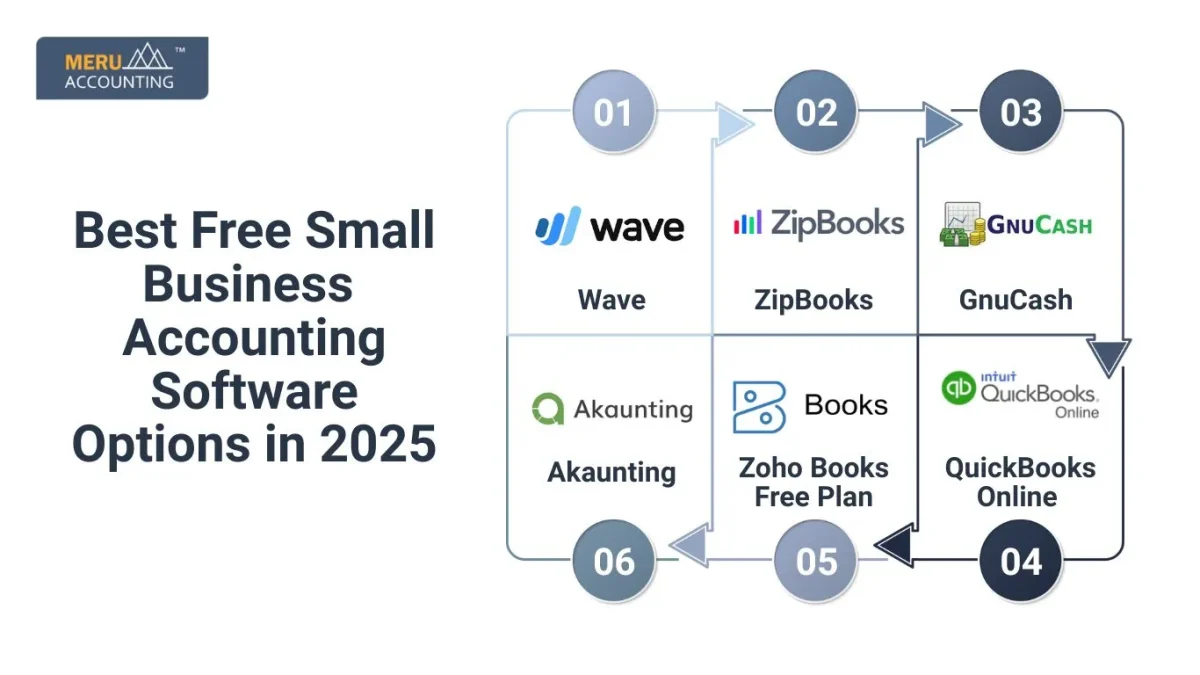
QuickBooks Online is popular among small businesses. It has simple tools for managing invoices and expenses. Users can connect bank accounts to track money automatically. It offers reports that help understand business health.
Xero
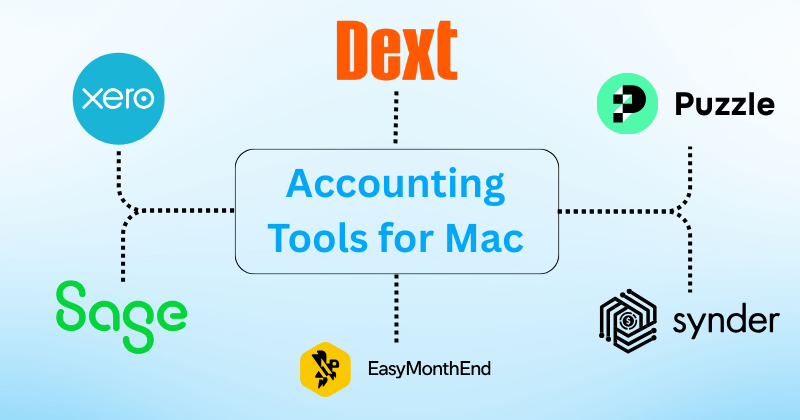
Xero is known for its clean design and ease of use. It supports unlimited users without extra cost. The software syncs with many apps and bank accounts. It offers strong features for invoicing and inventory management.
Freshbooks
FreshBooks works well for service-based startups. It makes creating and sending invoices quick. Time tracking and project management tools are included. The software helps keep client billing organized and clear.
Wave Accounting
Wave Accounting is a free option for startups on a budget. It covers basic accounting needs like invoicing and expense tracking. Users can link bank accounts for automatic updates. It also offers simple financial reports without extra fees.
Zoho Books
Zoho Books is part of the Zoho suite, great for growing startups. It handles invoicing, expenses, and inventory. The software automates workflows and sends payment reminders. It integrates well with other Zoho business apps.
Credit: www.meruaccounting.com
Pricing And Plans Comparison
Choosing the right accounting software means understanding its cost structure. Pricing and plans vary widely across different tools. Startups must find options that fit their budget and business needs.
Some software offers free or low-cost entry plans. Others provide scalable options for growth. Watch out for hidden fees that can increase expenses.
Free And Entry-level Options
Many accounting tools offer free plans with basic features. These are great for startups with simple needs. Free plans usually limit the number of users or transactions. Entry-level paid plans add more features and support. They often cost between $10 and $30 per month.
Scalability For Growing Startups
Startups grow fast and need software that grows too. Look for plans that allow easy upgrades. Some providers offer tiered pricing based on usage. Higher plans include advanced features like payroll or inventory. Choose software that fits your business today and tomorrow.
Hidden Costs To Watch
Some software has extra fees beyond the listed price. These can include setup fees, add-ons, or customer support charges. Payment processing fees may apply if you sell products. Watch for limits on users or transactions that trigger extra costs. Read the fine print to avoid surprises.
Choosing The Right Software
Choosing the right accounting software is a key step for any startup. The software should fit your business size and type. It must simplify tasks, save time, and reduce errors. Picking the wrong software can cause confusion and extra costs. Focus on what your startup really needs. Think about features, ease of use, and growth options. Let’s explore important points to help find the best match for your startup.
Assessing Business Needs
Start by listing what your business requires from software. Do you need invoicing, payroll, or expense tracking? Check if the software handles taxes and reports clearly. Consider the number of users who will access it. Think about your budget and future growth. Choose software that can grow with your startup. Avoid paying for features you won’t use. Clear needs make choosing easier and more effective.
Trial Periods And Demos
Try software before buying. Many providers offer free trials or demos. Use this time to explore features and interface. Check if the software is easy to learn and use. Test if it works well on your devices. Notice how fast it runs and if it meets your needs. Trials help avoid surprises after purchase. They give confidence in your final choice.
Customer Support And Resources
Good customer support is vital for startups. Problems can slow your work and cause stress. Choose software with reliable support options like chat, phone, or email. Look for helpful guides, tutorials, and FAQs. Support should be easy to reach and quick to respond. Resources help you understand software better. Strong support means fewer disruptions and smoother use.
Credit: www.fahimai.com
Tips For Maximizing Software Benefits
Maximizing the benefits of accounting software helps startups stay organized. It saves time and avoids costly mistakes. Using the software well improves financial health and decision-making. Here are some key tips to get the most from your accounting tools.
Regular Bookkeeping Practices
Record transactions daily or weekly. This keeps data current and accurate. Avoid backlog to prevent errors. Regular updates help track cash flow and expenses. Stay consistent to build reliable financial records.
Automating Routine Tasks
Use software features to automate invoicing and payments. Set reminders for bills and taxes. Automation reduces manual work and errors. It frees time for focusing on business growth. Let the software handle repetitive tasks.
Leveraging Reports For Growth
Review financial reports regularly to understand business health. Use profit and loss statements to spot trends. Analyze cash flow reports to manage funds. Reports guide smarter decisions and planning. Make reports a routine part of your workflow.

Credit: startupdeals.co.uk
Frequently Asked Questions
What Features Should Startups Look For In Accounting Software?
Startups need software with invoicing, expense tracking, and financial reporting. User-friendly interfaces and scalability are essential for growth. Integration with banking and tax tools saves time and reduces errors. Cloud-based options offer remote access and data security, ideal for startups.
How Much Does Accounting Software For Startups Typically Cost?
Startup accounting software ranges from free plans to $50 monthly subscriptions. Pricing depends on features, user numbers, and support levels. Many offer tiered plans, allowing startups to upgrade as they grow. Free trials help test software before committing financially.
Can Startups Use Accounting Software Without Prior Experience?
Yes, many accounting tools are designed for beginners. They include tutorials, templates, and automated processes to simplify tasks. Intuitive dashboards and customer support help users manage finances confidently. Choosing software with easy navigation reduces learning curves for new users.
Is Cloud-based Accounting Software Better For Startups?
Cloud-based software offers accessibility from any device with internet. It ensures automatic updates, data backup, and collaboration among team members. This flexibility supports remote work and real-time financial management, making it ideal for startups with dynamic needs.
Conclusion
Choosing the right accounting software helps startups stay organized and save time. Good software keeps your finances clear and easy to manage. It supports your growth and avoids costly mistakes. Think about your business needs and budget first. Test different options to find the best fit.
Simple tools can make a big difference every day. Startups that use the right software often work smarter, not harder. Keep your records accurate and your business healthy. This small step can lead to bigger success later.





