


Are you getting the most out of your accounting software? Many users only scratch the surface of what these powerful tools can do.
Imagine saving hours on bookkeeping, spotting errors before they cost you, and making smarter financial decisions—all by using features you might not even know exist. In this post, you’ll discover simple tips to unlock the full potential of your accounting software.
Stick with me, and you’ll learn how to work smarter, not harder, with your finances. Ready to make your accounting software work for you? Let’s dive in!
Credit: www.cubesoftware.com
Choosing The Right Software
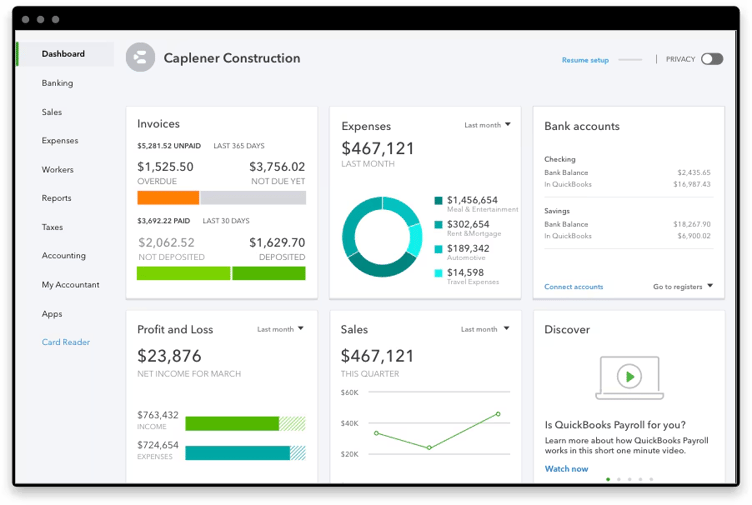
Start by listing your business needs. Think about tasks like invoicing, payroll, or inventory. Check if the software fits your daily operations and budget. Some tools are better for small businesses, others suit larger firms.
Compare popular options like QuickBooks, Xero, and FreshBooks. Look at features, ease of use, and customer support. Read user reviews to see real experiences. A simple table helps to see differences clearly.
| Software | Main Features | Price Range | Best For |
|---|---|---|---|
| QuickBooks | Invoicing, Payroll, Reporting | $20-$70/month | Small to medium businesses |
| Xero | Bank Reconciliation, Inventory | $11-$62/month | Growing businesses |
| FreshBooks | Time Tracking, Invoicing | $15-$50/month | Freelancers, Small teams |
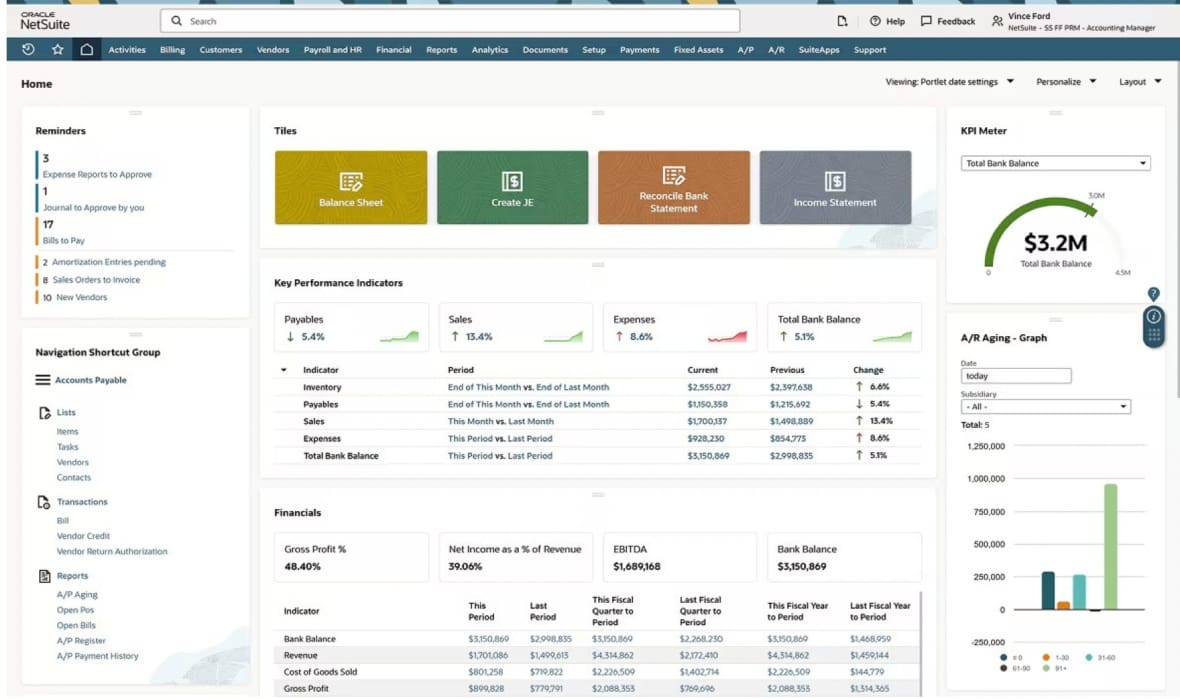
Consider scalability. Choose software that grows with your business. Avoid tools that limit users or features. Think about future needs like more users or added functions.
Credit: www.netsuite.com
Mastering Core Features
Automating invoicing saves time by sending bills automatically. It helps avoid late payments and reduces errors. You can set up recurring invoices for regular clients. This keeps cash flow steady and predictable.
Tracking expenses efficiently means entering costs as they happen. Use categories to organize spending. This makes reports clear and shows where money goes. Attach receipts to each expense for easy records.
Managing payroll seamlessly ensures employees get paid on time. Software can calculate taxes and deductions automatically. It stores employee details safely and sends pay slips by email. This reduces paperwork and saves hours every month.
Customizing For Your Workflow
Setting up user roles helps control who can see and change data. Assign roles like admin, manager, or viewer. This keeps your data safe and easy to manage.
Creating custom reports lets you see the numbers that matter most. Pick the data points you want. Save reports to run them again quickly. This saves time and helps spot trends.
Integrating with other tools links your accounting software to apps you already use. Connect email, payment systems, or project management tools. This makes your work faster and reduces errors.
Leveraging Advanced Tools
AI and analytics help find patterns in your financial data fast. They can show where money is spent the most and suggest ways to save. This makes planning easier and smarter.
Cloud access lets you use your accounting software anywhere. Work from home, office, or on the go. Your data stays safe and updates automatically. No need to carry files.
Mobile apps bring accounting tools to your phone. Check balances, send invoices, or track expenses anytime. This saves time and keeps you in control, even outside the office.
Improving Data Accuracy
Regular reconciliation helps catch mistakes early. Compare your software records with bank statements often. This keeps data accurate and reliable. It also helps spot missing transactions or duplicates quickly.
Automated error detection tools flag unusual entries or mismatches. These tools save time and reduce human mistakes. Trusting software alerts improves overall data quality. Check alerts daily to fix issues fast.
Backup and security measures protect your financial data from loss or theft. Schedule automatic backups to keep copies safe. Use strong passwords and limit access to sensitive information. Always update software to patch security gaps.
Credit: www.cubesoftware.com
Training And Support
Many accounting software offer tutorials and webinars for easy learning. These resources help users understand important features step by step. Watching tutorials can save time and reduce mistakes.
Customer support teams are ready to help with any questions. They provide quick solutions through chat, email, or phone. Good support helps avoid delays and keeps work smooth.
Building a skilled team is important. Training staff on software features improves accuracy and speed. A well-trained team can handle tasks without constant help.
Monitoring Performance
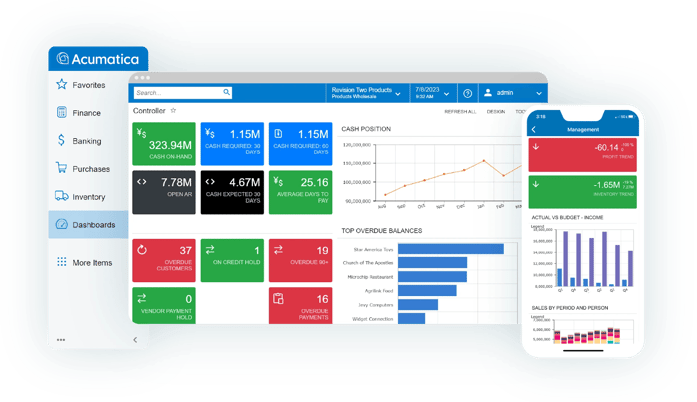
Tracking key metrics helps see how well your accounting software works. Watch numbers like expenses, income, and cash flow. These show if your money is managed well. Quick checks mean problems get fixed fast.
Adjusting processes quickly keeps your work smooth. Change steps if reports show delays or errors. Small fixes save big time later. Stay flexible and ready to update methods.
Gathering user feedback from team members is important. They use the software daily and notice issues or ideas. Ask simple questions and listen closely. This helps improve the system for everyone.
Frequently Asked Questions
How Can I Customize Accounting Software Features?
Customizing features lets you tailor the software to your business needs. Use settings to adjust reports, invoices, and workflows. This boosts efficiency and ensures the software fits your accounting style perfectly.
What Are The Best Tips For Automating Accounting Tasks?
Automate repetitive tasks like invoicing, payments, and expense tracking. Set reminders and integrate bank feeds for real-time updates. Automation reduces errors and saves time, improving overall financial management.
How Do I Improve Data Accuracy In Accounting Software?
Regularly update records and reconcile accounts to avoid errors. Use validation tools within the software to catch mistakes early. Accurate data ensures reliable financial reports and better decision-making.
Can I Integrate Accounting Software With Other Tools?
Yes, most accounting software supports integration with CRM, payroll, and inventory systems. Integrations streamline workflows and provide a unified view of business finances. Check compatibility before connecting tools.
Conclusion
Maximizing your accounting software saves time and reduces errors. Explore all features step by step. Regular updates keep your system running smoothly. Use built-in reports to track finances clearly. Training helps you use tools confidently and correctly. Small efforts lead to better financial management.
Stay organized to avoid stress during tax season. Keep learning to improve your accounting skills. Simple habits create big benefits over time. Start applying these tips and see the difference.





