


Are you struggling to keep track of your small business finances? Managing income, expenses, and invoices can quickly become overwhelming.
You might wonder if investing in accounting software is really necessary for your business. The truth is, the right tools can save you time, reduce stress, and help your business grow. You'll discover how accounting software can simplify your daily tasks and whether it’s the right choice for your unique needs.
Keep reading to find out how to take control of your business finances today.

Credit: www.tworoadsco.com
Benefits Of Accounting Software
Accounting software helps save a lot of time. Tasks like data entry and calculations are done fast. This frees up time to focus on other business areas. Automation reduces manual work and speeds up processes.
It also improves accuracy by reducing human errors. Mistakes in numbers can cause big problems. Software checks for errors and keeps records correct. This gives you peace of mind about your finances.
Financial reports are easy to create. The software can generate reports like profit, loss, and balance sheets quickly. You get clear and organized data to understand your business health. No need to spend hours making reports by hand.
Signs You Need Accounting Software
More transactions mean more chances to make mistakes. Tracking every sale and purchase by hand can be tiring and confusing. Accounting software helps keep all this data in one place, making it easier to check and organize.
Expense tracking gets tricky as bills, receipts, and payments pile up. It’s easy to lose track of where money goes. Software can automatically sort and categorize expenses, saving time and stress.
Taxes can get complicated with different rules and forms. Small businesses often face many tax deadlines. Accounting tools help by calculating taxes and preparing reports, so fewer errors happen.
Types Of Accounting Software
Cloud-based solutions let you access your accounts from any device. They save data online and update automatically. This type is good for small businesses that need flexibility. You can share access with your accountant easily.
Desktop applications install on one computer. They work well without internet but need manual updates. These are often cheaper and have strong security since data stays local. Ideal for users who prefer working offline.
Industry-specific options tailor features for certain businesses. For example, retail, construction, or restaurants. These tools include special reports and tools made just for that work. They help track expenses and sales unique to each field.

Credit: www.smb-gr.com
Key Features To Look For
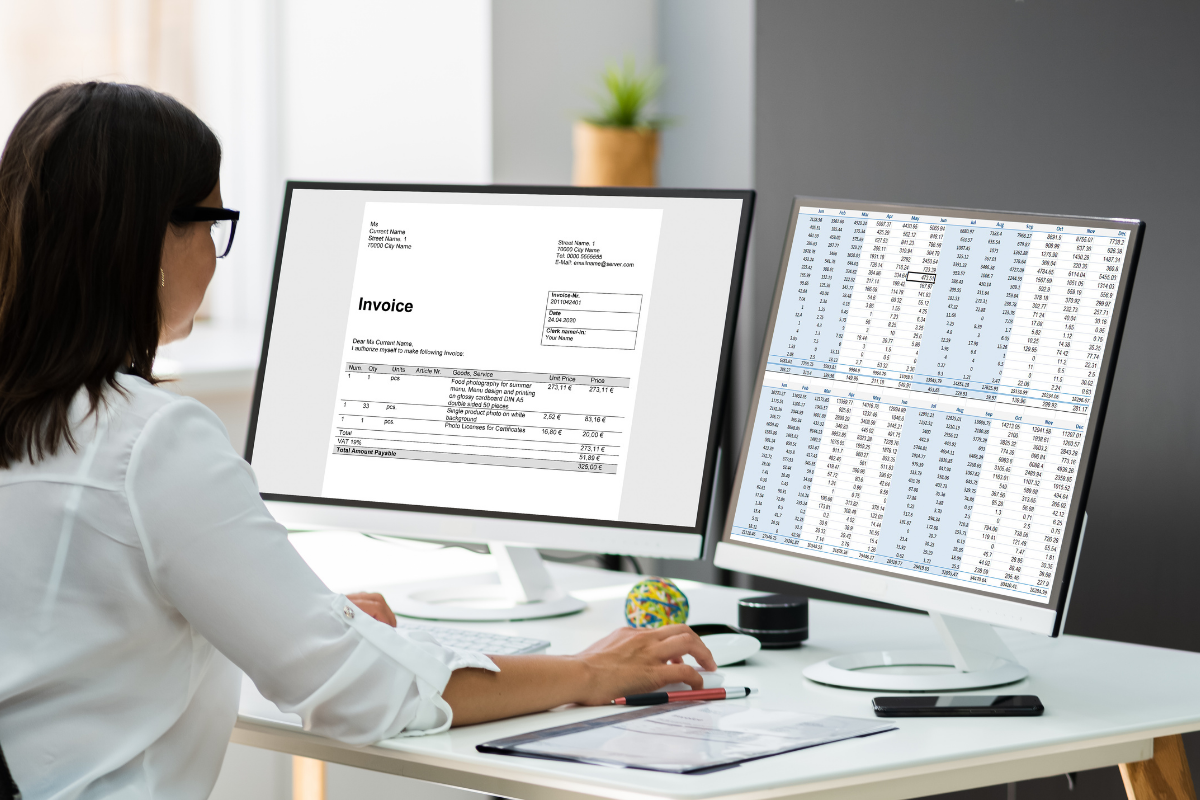
Invoicing and Billing features help you create and send bills quickly. They keep track of payments and send reminders. This makes it easier to get paid on time.
Bank Reconciliation matches your bank records with your business records. It finds mistakes and keeps your accounts correct. This saves time and avoids errors.
Payroll Integration manages employee pay and taxes automatically. It helps you follow tax rules and pay workers correctly. This reduces stress and saves effort.
Cost Considerations
Choosing between subscription and one-time purchase affects your budget. Subscription plans often charge monthly or yearly fees. They include updates and support but can add up over time. One-time purchases cost more upfront but may lack future updates.
Hidden fees and add-ons can surprise small business owners. Some software requires extra payment for features like payroll, tax filing, or extra users. Always check what is included before buying.
Free trials and demos help test software without risk. Try different tools to see which fits your needs best. Pay attention to limits during trials, like restricted features or time.
Implementation Tips
Data migration should be planned carefully to avoid errors. Start by backing up all existing records. Check data formats and clean up any mistakes. Import small batches first to test the process. Keep a detailed log of changes to track progress.
Training your team is key to smooth software use. Provide simple guides and live demos. Encourage questions and practice sessions. Use real business examples to make learning easier. Regular check-ins help identify problems early.
Ongoing support and updates keep the software running well. Choose a provider with good customer service. Schedule regular updates to fix bugs and add features. Share update news with your team to keep them informed.
Alternatives To Accounting Software
Manual bookkeeping means writing down all money details by hand. It is cheap but takes a lot of time. Mistakes can happen easily. Good for very small businesses with few transactions.
Hiring an accountant gives expert help. Accountants know tax rules and can save money. It costs more but reduces stress. Useful if business grows or rules get complex.
Hybrid approaches mix both methods. Some records are kept manually, some using software. This helps control costs and keeps some automation. Works well for small businesses changing over time.
Credit: www.emscorporate.com
Frequently Asked Questions
What Are The Benefits Of Accounting Software For Small Businesses?
Accounting software automates financial tasks, saving time and reducing errors. It improves accuracy, tracks expenses, and simplifies tax preparation. It also offers real-time financial insights, helping owners make informed decisions and manage cash flow efficiently.
Can Small Businesses Manage Finances Without Accounting Software?
Yes, but it’s often inefficient and error-prone. Manual bookkeeping takes more time and risks mistakes. Accounting software streamlines processes, ensuring accuracy and saving valuable time for business growth and strategy planning.
How Does Accounting Software Improve Tax Preparation?
Accounting software organizes income and expenses automatically. It generates reports that simplify tax filing and reduce errors. This helps small businesses stay compliant and avoid penalties, making tax season less stressful and more accurate.
Is Accounting Software Affordable For Small Businesses?
Many accounting software options offer scalable pricing tailored for small businesses. They provide cost-effective solutions with essential features, making professional financial management accessible without a large upfront investment.
Conclusion
Choosing the right accounting software can save time and reduce mistakes. Small business owners handle many tasks daily. Software helps keep finances clear and organized. It makes tracking income and expenses easier. You can see your business’s health at a glance.
Simple tools help you focus on growth, not paperwork. Think about your needs and budget before buying. The right software supports your business goals smoothly. Taking this step can bring peace of mind. Accounting software is a helpful tool, not a must-have.
Choose what fits your business best.





