


Are you tired of juggling numbers and endless paperwork for your small business? Imagine having a simple tool that keeps your finances organized, saves you time, and helps you make smarter decisions.
Creating your own accounting software might sound tricky, but it’s easier than you think—and it can be tailored exactly to your needs. In this guide, you’ll discover step-by-step how to build accounting software designed just for your small business. Ready to take control of your finances and boost your productivity?
Keep reading to learn how.
Choosing The Right Features
Essential features include easy invoicing, expense tracking, and financial reporting. These help small businesses manage money well.
Customizable options let users adjust settings to fit their business needs. This makes the software more useful and flexible.
Security measures like data encryption and password protection keep financial information safe. This builds trust and prevents theft.
| Feature | Purpose |
|---|---|
| Invoicing | Creates and sends bills easily |
| Expense Tracking | Keeps track of money spent |
| Financial Reporting | Shows business profits and losses |
| Customization | Adapts software to user needs |
| Security | Protects data from unauthorized access |
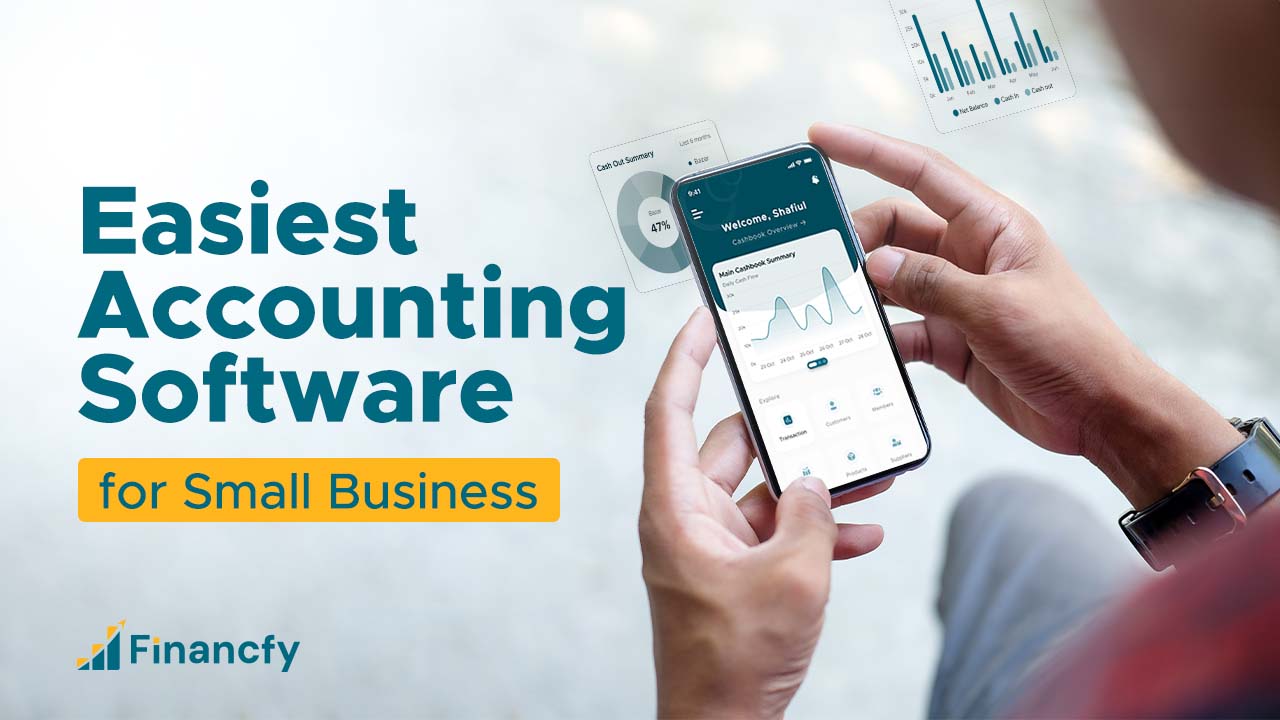
Credit: financfy.com
Planning The Software Architecture
Selecting the technology stack is key to building reliable accounting software. Choose programming languages that are easy to maintain and popular, like Python or JavaScript. Pick frameworks that speed up development and support good security. For the user interface, simple and clean designs help users work faster.
Database design must handle financial data safely and clearly. Use structured databases like MySQL or PostgreSQL to store transactions, accounts, and reports. Organize data into tables that relate well. This helps find and update information quickly and without errors.
Scalability considerations ensure the software grows with the business. Plan for more users and data over time. Use cloud services or servers that can expand easily. This prevents slowdowns and crashes as the business gets bigger.
Designing The User Interface
User-friendly layout means a simple and clear design. Use big buttons and easy menus. Group similar tasks together. Keep colors soft and text readable.
Mobile compatibility is key. Many users will open the software on phones or tablets. Make sure the design fits small screens well. Touch controls must be easy to use. Test on different devices.
Accessibility standards help all users, including those with disabilities. Use high contrast colors and large fonts. Support keyboard navigation and screen readers. Clear labels and simple language matter a lot.

Credit: www.pcmag.com
Developing Core Modules
Invoicing and Billing must be simple and clear. Allow users to create, send, and manage invoices easily. Include options for due dates and payment status. Auto-calculation of totals and taxes helps avoid mistakes.
Expense Tracking keeps all costs in one place. Users can add expenses manually or import bank data. Categorizing expenses helps with budgeting and tax time. Alerts for unusual spending can be useful.
Financial Reporting shows how the business is doing. Reports like profit and loss, balance sheet, and cash flow are essential. Users should be able to export reports as PDFs or Excel files. Visual charts make numbers easier to understand.
Integrating Third-party Services
Integrating payment gateways helps customers pay easily online. Popular options include Stripe and PayPal. These services make transactions fast and secure. Bank feeds connect your software directly to bank accounts. This allows automatic updates of transactions and balances. It saves time and reduces errors.
Tax calculation tools help compute taxes based on location and rules. They ensure accurate tax reporting and avoid mistakes. Integration with third-party services makes your software more useful. It helps small businesses manage money with less effort.

Credit: akaunting.com
Testing And Quality Assurance
Unit testing checks each part of the software alone. It finds small errors early. Integration testing looks at how parts work together. This helps catch problems between units.
User Acceptance Testing (UAT) means real users try the software. They check if it works well for their needs. Their feedback is very important for final changes.
Bug tracking keeps a list of all errors found. Developers fix bugs one by one. This makes the software more reliable and smooth.
Deployment And Maintenance
Cloud hosting lets small businesses access software from anywhere. It needs no special hardware. Updates happen automatically, saving time and effort. On the other hand, on-premise hosting means installing software on local computers. This offers more control but requires regular manual updates and maintenance.
Regular updates keep software safe and efficient. They fix bugs and add new features. Choosing a platform with easy update options helps businesses stay current.
Good customer support is key. Quick help solves problems fast. Support can come as phone calls, chats, or emails. Small businesses benefit from responsive and clear guidance.
Compliance And Legal Considerations
Data privacy laws protect customer and business information. The software must follow rules like GDPR or CCPA. These laws require strong data encryption and user consent before collecting data. Users must have control over their data and the option to delete it.
Accounting standards guide how financial data should be recorded and reported. The software should support standards such as GAAP or IFRS. This ensures accuracy and consistency in financial reports. It also helps businesses stay legal and avoid fines.
Audit trails are records of all transactions and changes. They help track who did what and when. This feature is important for transparency and catching errors or fraud. Audit trails make it easier to pass financial audits and build trust with users.
Marketing Your Accounting Software
Target Audience Identification means finding small business owners who need easy accounting tools. Focus on those who want simple, clear reports and quick setups. Think about industries like retail, cafes, or freelancers who manage money daily.
Pricing Strategies must be clear and fair. Offer a free trial or a low-cost starter plan. Use monthly or yearly payments to fit different budgets. Keep prices simple to avoid confusion.
| Promotion Channels | Description |
|---|---|
| Email Marketing | Send short, useful tips and updates to potential customers. |
| Social Media | Post easy-to-understand content on platforms like Facebook and LinkedIn. |
| Online Ads | Use simple ads targeting small business owners searching for accounting help. |
| Partnerships | Work with small business groups and offer demos or discounts. |
Frequently Asked Questions
What Features Are Essential In Small Business Accounting Software?
Essential features include invoicing, expense tracking, tax calculation, and financial reporting. These help manage finances efficiently and ensure compliance with regulations. User-friendly interfaces and integration with banks enhance usability and accuracy for small businesses.
How To Choose The Right Technology For Accounting Software?
Select technologies that support scalability, security, and user accessibility. Popular choices include cloud-based platforms and programming languages like Python or JavaScript. Ensure the tech stack fits your budget and future business needs for smooth software development.
Can I Customize Accounting Software For My Business Needs?
Yes, customizing accounting software allows tailored features for your business. It improves workflow efficiency and meets specific financial requirements. Custom solutions can integrate unique reporting tools and automate routine tasks, saving time and reducing errors.
How To Ensure Data Security In Accounting Software?
Implement encryption, secure login protocols, and regular backups to protect data. Use trusted frameworks and comply with data protection regulations. Regular updates and user access controls further enhance security in accounting software.
Conclusion
Creating accounting software for small businesses takes clear steps and good planning. Start by understanding what the business needs. Choose simple tools and focus on key features like invoicing and expense tracking. Test the software often to fix any problems quickly.
Keep the design easy to use for everyone. This approach helps build software that saves time and reduces errors. Small business owners can manage money better with the right software. Taking it step by step makes the process smooth and effective.





