


Switching to new accounting software can feel overwhelming. You might worry about losing important data, getting stuck in complicated settings, or slowing down your business.
But what if the right steps could make this change smooth and even exciting? You’ll discover simple, clear ways to move your accounting system without stress. By the end, you’ll feel confident and ready to take control of your finances with fresh tools designed to save you time and reduce errors.
Keep reading to unlock the secrets to a hassle-free software transition that works for you.
Choosing The Right Software
Assess business needs by listing tasks your accounting software must do. Think about invoicing, payroll, and reporting features. Check if software fits your industry requirements.
Compare features and pricing from different providers. Look for easy-to-use interfaces and good customer support. Choose software that fits your budget without cutting important functions.
Consider scalability. Pick software that grows with your business. It should handle more transactions and users as your company expands. Avoid switching software frequently; it wastes time and money.

Credit: windes.com
Preparing For The Switch
Backing up data is the first step before switching software. Save all important files safely to avoid any loss. Cleaning up old records helps the new system work better and faster. Remove duplicates and outdated entries for clear data.
Set a clear timeline for the switch. Decide dates for training, data transfer, and going live. This keeps the process smooth and organized. Share this timeline with everyone involved.
Tell your team about the change early. Explain why the switch is needed and how it helps. Provide training so they feel confident using the new software. Open communication reduces worries and mistakes.
Data Migration Strategies
Exporting existing data means saving your old information in a file format. Common formats include CSV or Excel files. This step is crucial for keeping all your records safe. Make sure the data is complete before moving on.
Next is importing into new software. Upload the saved files into the new system carefully. Some software has tools to help with this process. Follow the software instructions step by step to avoid errors.
Validating data accuracy is very important. Check if all numbers and details match the old system. Look for missing or wrong data. Fix any problems before using the new software fully. This helps to keep your accounting records correct.
Training And Support
Scheduling staff training early helps everyone learn the new software. Plan sessions in small groups to keep training clear and simple. Use hands-on activities so staff can practice and ask questions. Set regular times for training to avoid work disruption.
Utilizing vendor resources saves time and effort. Vendors often provide videos, guides, and live help. These tools explain features step-by-step and answer common questions. Use these resources to support your team’s learning journey.
Establishing ongoing support is key for smooth transition. Create a help desk or assign a team leader for questions. Schedule follow-up meetings to check progress. Keep communication open to solve problems fast and keep everyone confident.
Testing And Troubleshooting
Run the new and old accounting software at the same time. This helps catch any errors early. Compare data from both systems daily. Spot differences quickly.
Common problems include missing entries, wrong totals, or slow processing. Check for wrong account codes and data mismatches. Make a list of frequent issues.
Fixes might be updating software, retraining staff, or correcting data. Test each fix carefully. Keep trying until the system runs smoothly. Repeat tests after every change.
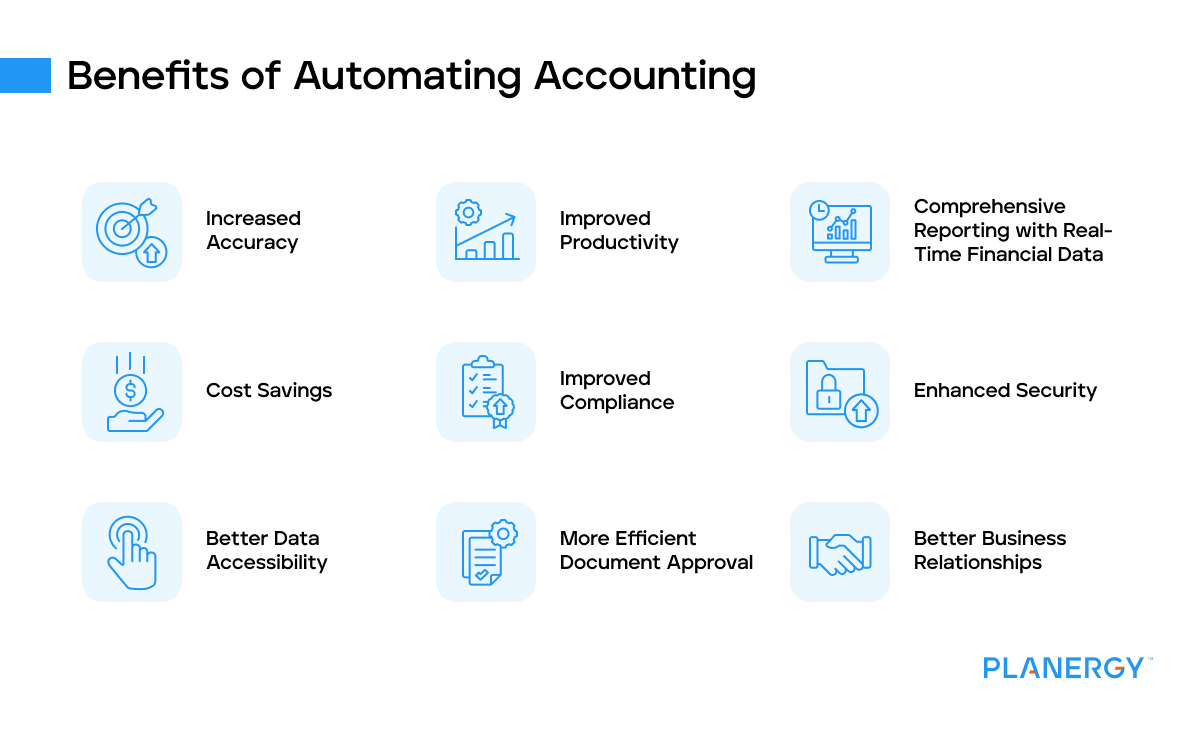
Credit: planergy.com
Optimizing New Software Use
Customizing features helps make the software fit your business. Change settings to match your work style. Add or remove tools you use often. This saves time and reduces errors.
Automating routine tasks cuts down on boring work. Set up automatic invoice sending, payment reminders, and report generation. This keeps your work smooth and helps avoid missing deadlines.
| Task | How to Monitor | Why It Matters |
|---|---|---|
| Software Speed | Check loading times daily | Ensures quick access to data |
| Error Rates | Track mistakes in entries | Helps improve accuracy |
| User Feedback | Collect comments weekly | Finds areas needing improvement |
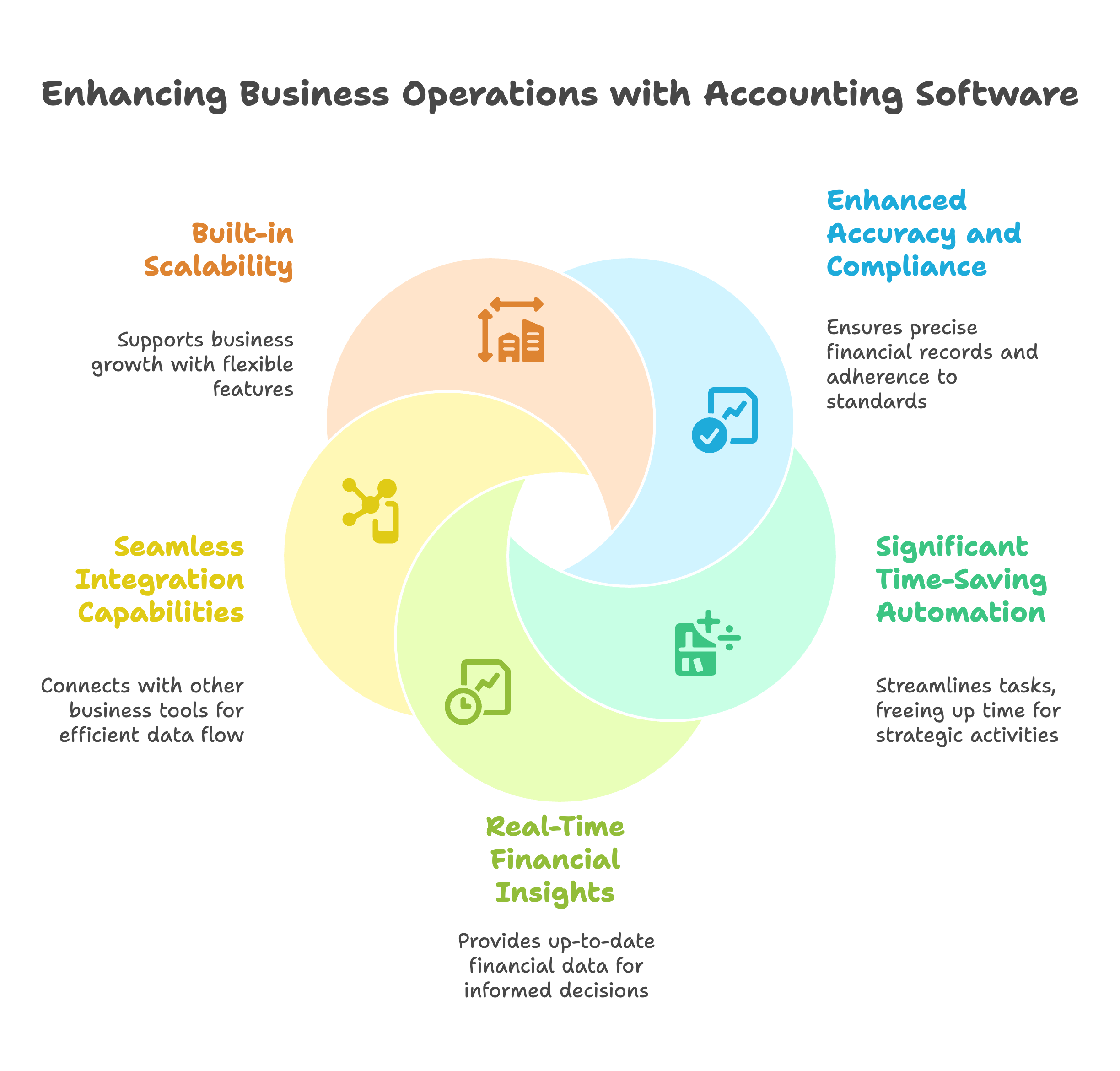
Credit: madrasaccountancy.com
Frequently Asked Questions
What Are The First Steps To Switch Accounting Software?
Start by assessing your current system and business needs. Choose software that fits your budget and requirements. Plan data migration carefully to avoid loss. Train your team on new features for a smooth transition.
How To Ensure Data Accuracy During Software Transition?
Backup all data before migration. Use software tools for data validation. Reconcile balances after transfer. Test reports to confirm accuracy. Regularly review data for discrepancies during the initial phase.
How Long Does Switching Accounting Software Typically Take?
Transition time varies by business size and complexity. Small businesses may take a few days. Larger firms can require several weeks. Proper planning and training can reduce downtime.
What Common Challenges Arise When Changing Accounting Software?
Data migration errors, employee resistance, and integration issues are common. Lack of training can cause mistakes. Address challenges by thorough planning and support. Continuous monitoring helps to quickly resolve problems.
Conclusion
Switching to new accounting software takes careful steps. Plan well and take time to learn the features. Back up your old data before starting the change. Train your team so everyone feels confident using the new system. Keep track of problems and fix them quickly.
This helps avoid mistakes and saves time. Moving to new software can improve your work. Stay patient and keep practicing every day. Success comes with steady effort and good planning.





