


Choosing the right invoice software can make a huge difference in how smoothly your business runs. You want a tool that saves you time, keeps your finances organized, and fits your unique needs.
But with so many options out there, how do you pick the one that’s perfect for you? You’ll discover the key factors to consider before making your choice. By the end, you’ll feel confident and ready to select invoice software that truly works for you and your business.
Keep reading to make an informed decision that could boost your productivity and peace of mind.
Credit: kooperhq.com
Types Of Invoice Software
Cloud-based software runs on the internet. You can access it from any device. It updates automatically and stores data safely online. This option is good for teams that work remotely or need access from many places.
Desktop solutions are installed on a single computer. They do not need internet to work. This can be better for users who want full control over their data and prefer to work offline.
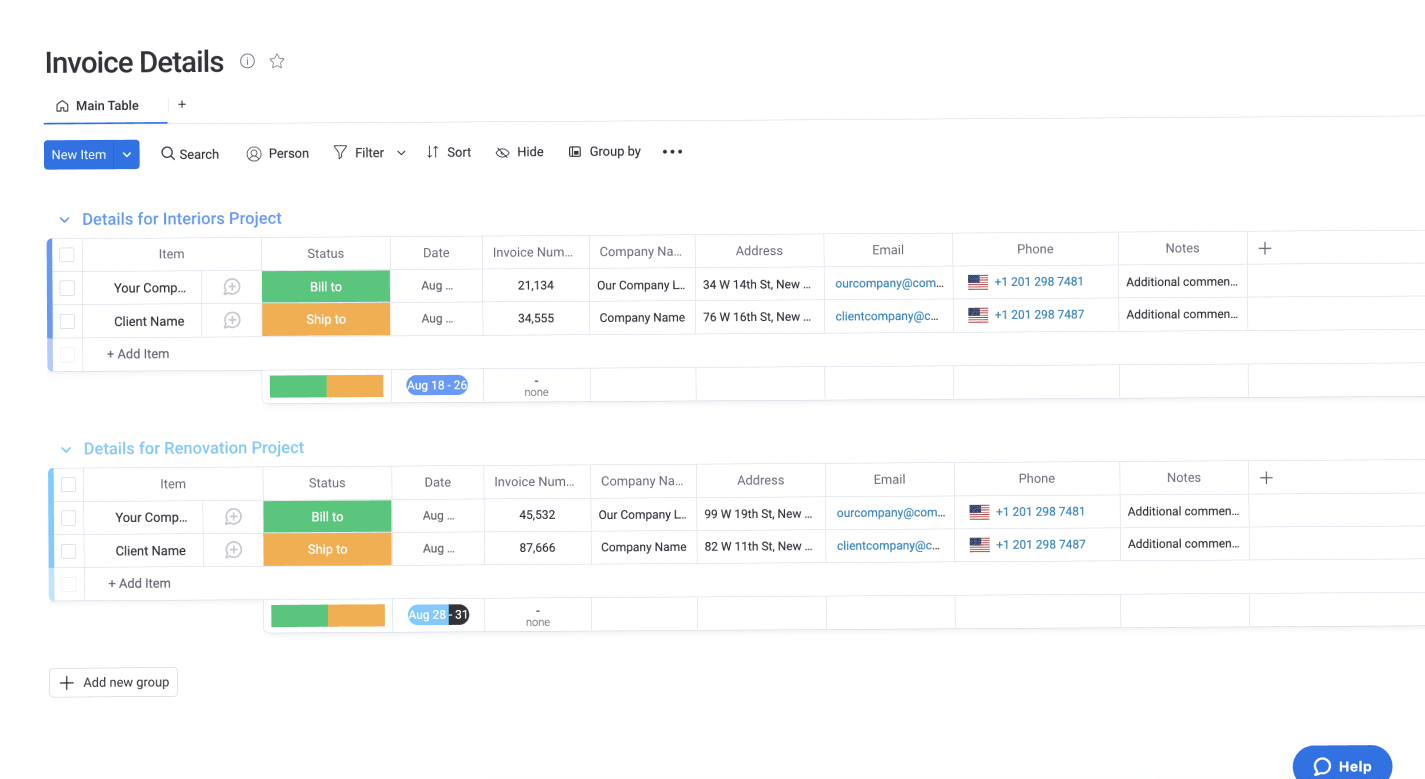
Some invoice software is made for specific industries. For example, software for freelancers differs from software for retail stores. Industry-specific options have features tailored to unique business needs. Choosing one can save time and reduce errors.
Credit: monday.com
Essential Features To Look For
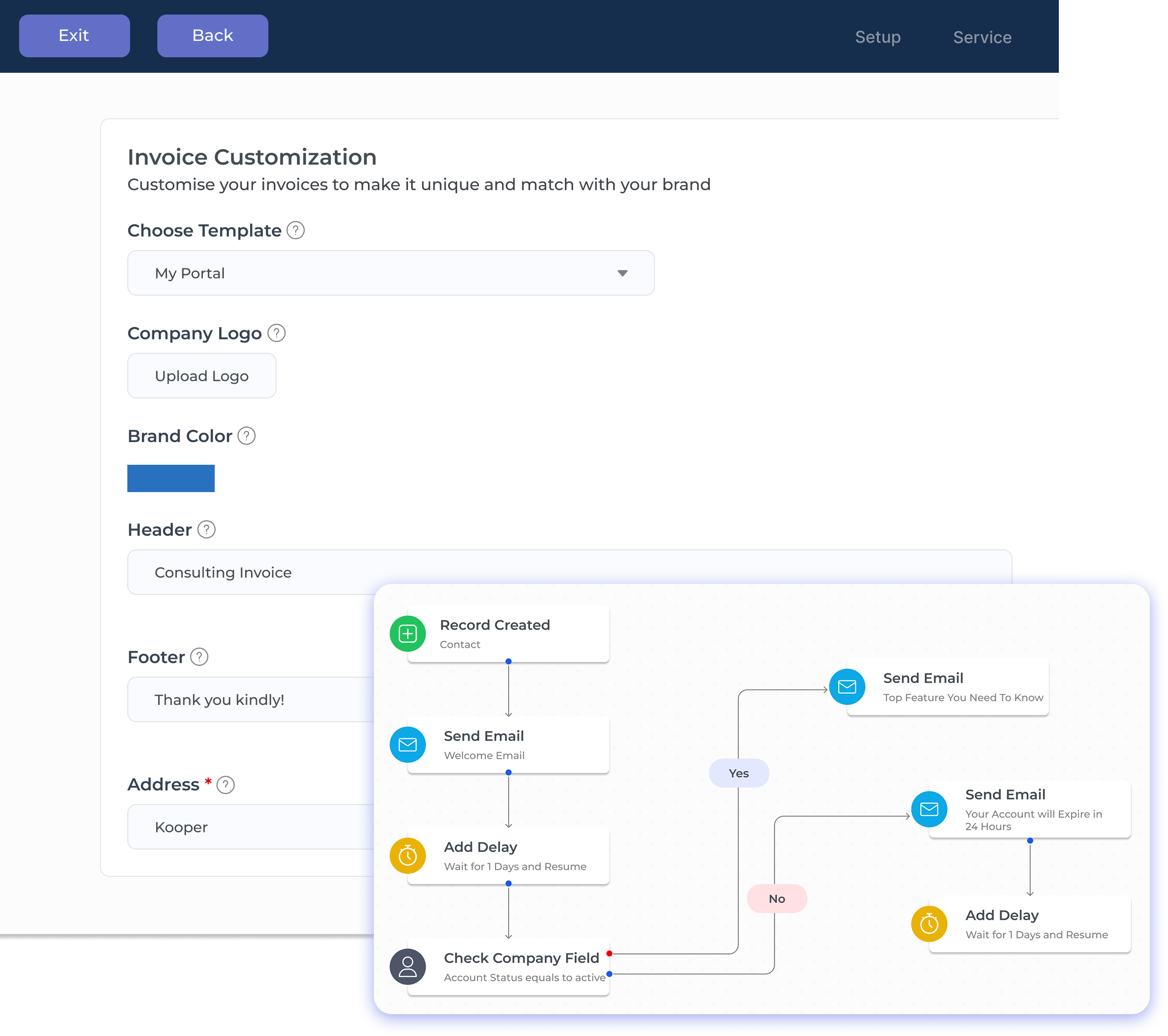
Customizable invoice templates help you create bills that match your brand. You can add your logo, change colors, and adjust the layout. This makes your invoices look professional and clear.
Automated payment reminders save time by sending alerts to customers. They reduce late payments and keep your cash flow steady. No need to track every due date yourself.
Multi-currency support is key for businesses working with clients worldwide. It lets you send invoices in different currencies and get paid easily. Currency conversion should be simple and accurate.
Tax calculation tools help you add the right taxes automatically. This avoids errors and keeps your records clean. Good software can handle different tax rates and rules.
Integration Capabilities
Choose software that works well with your accounting system. This helps keep your financial data organized and accurate. It saves time and reduces errors.
Check if the software supports payment gateways. This allows you to receive payments quickly and securely. It also makes tracking payments easier.
Look for tools that connect with CRM and project management apps. This helps you manage customer info and projects in one place. It improves efficiency and communication.
User Experience And Accessibility
Mobile app availability lets users manage invoices anywhere. It adds flexibility and saves time. Check if the app works on both Android and iOS devices. Also, see if the app syncs data smoothly with the desktop version.
Ease of use matters a lot. Choose software with a clean and simple interface. Clear buttons and easy navigation reduce mistakes. This saves effort and keeps tasks fast.
User support and resources help solve problems quickly. Look for options like live chat, phone support, or email. Good software has tutorials, FAQs, and guides. These make learning and fixing issues easier.
Security And Compliance
Data encryption protects your invoice data from theft or loss. It changes data into a secret code that only authorized users can read. This keeps your financial details safe from hackers and unauthorized access.
Compliance with financial regulations ensures your invoice software follows the law. Different countries have rules about how financial data is stored and shared. Software that meets these rules helps avoid fines and legal trouble. It also builds trust with customers and partners.
Pricing Models And Scalability
Subscription plans offer fixed monthly or yearly fees. They are easy to budget. Most plans include a set number of invoices and features. Users can upgrade or downgrade based on their needs.
Pay-as-you-go options charge only for what is used. This suits small businesses or irregular billing cycles. It avoids paying for unused services. Costs vary each month depending on usage.
Scalability means the software grows with the business. It should handle more invoices and users smoothly. Flexible software avoids switching platforms later. Choose software that supports future growth without extra hassle.
Trial Periods And Customer Reviews
Free trials and demos let users test software before buying. They show how easy the program is to use. Trying the software helps avoid bad choices. Look for trial periods that last at least 7 to 30 days. This gives enough time to explore features.
User reviews give real opinions from people who have used the software. They help spot common problems or hidden benefits. Read reviews on trusted sites. Check what users say about customer support, ease of use, and reliability.
| Aspect | What to Check |
|---|---|
| Free Trials | Length of trial, access to features, ease of setup |
| User Reviews | Feedback on usability, support quality, bugs or issues |
Credit: www.procuredesk.com
Frequently Asked Questions
What Features Should I Look For In Invoice Software?
Look for automation, customization, multi-currency support, and integration options. Ensure it offers easy tracking, reporting, and secure payment processing.
How Does Invoice Software Improve Business Efficiency?
Invoice software automates billing, reduces errors, and speeds up payment collection. It saves time, improves cash flow, and enhances financial organization.
Is Cloud-based Invoice Software Better Than Desktop Versions?
Cloud-based software offers accessibility, automatic updates, and data backup. Desktop versions may lack remote access and require manual updates.
Can Invoice Software Integrate With Accounting Tools?
Yes, most invoice software integrates with popular accounting platforms. This streamlines bookkeeping and ensures accurate financial records.
Conclusion
Choosing the right invoice software takes careful thought and clear priorities. Focus on features that match your business needs. Ease of use saves time and reduces mistakes. Consider costs and how the software fits your budget. Look for reliable support and regular updates.
Security matters to keep your data safe. Test options before deciding to find the best fit. The right choice helps your business run smoothly and grow steadily. Take your time and choose wisely.





